

Smart garage door opener installation is one of the simplest ways to upgrade both convenience and security in any modern home, allowing you to control and monitor your garage from anywhere. With adoption rates increasing, understanding installation methods, real-world pitfalls, and actionable steps is key before taking the plunge.
Key Takeaways
- Only 7-9 percent of American households own a smart garage door opener, but the market is booming in 2024 with double-digit growth expected through 2035.
- Convenience, control, and enhanced security are the main drivers. Real-world installation varies and has unique DIY and technical challenges.
- Simple mistakes—like ignoring app compatibility or skipping Wi-Fi checks—are common setbacks. Arm yourself with step-by-step guidance to avoid them.
- The Core Concept: Why Upgrade Your Garage Door Opener?
- Step-by-Step Guide: How to Install a Smart Garage Door Opener
- Advanced Analysis & Common Pitfalls
- Conclusion
- Frequently Asked Questions
The Core Concept: Why Upgrade Your Garage Door Opener?
Upgrading to a smart garage door opener means you get remote access, better security, and seamless integration with other smart devices. Over 70 percent of owners cite remote monitoring as essential, and most leading systems now offer mobile app controls, voice activation, and real-time alerts. With the residential segment holding the largest revenue share and mobile apps dominating how people control their doors, installing a connected opener is quickly becoming standard rather than optional (source).
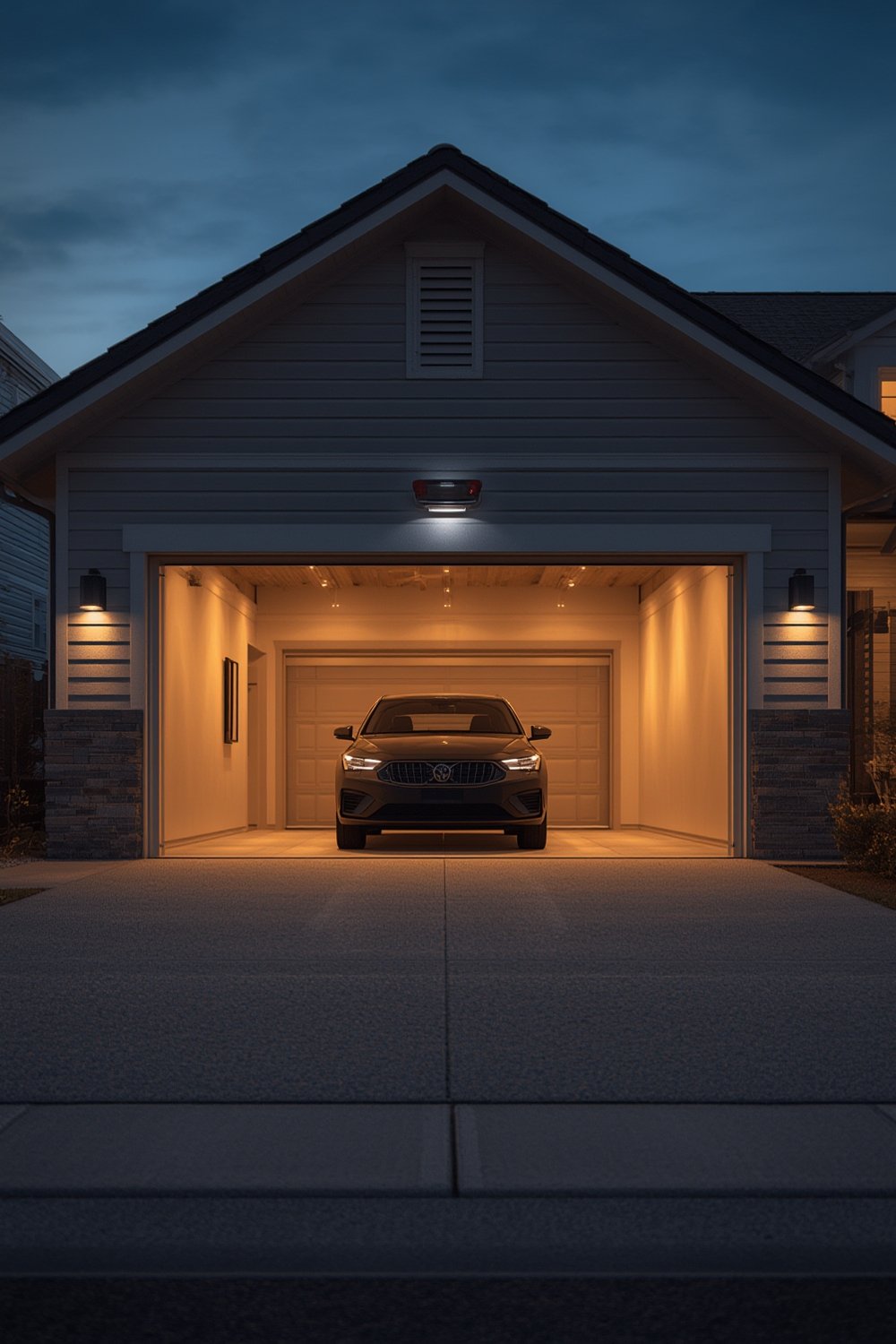
In the United States, North America leads with 45 percent of the global market share (source), but adoption still hovers below 1 in 10 households. The most common reasons for upgrading are:
- Real-time control and access
- Enhanced home security with instant notifications
- Seamless integration with voice assistants and smart home hubs
- Added energy efficiency and peace of mind
Compared to non-connected openers, a smart system lets you check door status, control access for deliveries, and receive activity logs—no matter where you are. Curious about how the process works for older models? Visit our retrofitting guide for legacy systems.
If you’re comparing options, see our best smart garage door openers buyer’s guide.
Step-by-Step Guide: How to Install a Smart Garage Door Opener
Most systems (like Chamberlain MyQ or Nexx) can be installed by anyone with basic DIY skills, but you need to follow a precise order. Here is a start-to-finish workflow for a reliable smart garage door opener installation that minimizes frustration and errors:
- Check compatibility: Identify your garage door opener brand and age. Most smart kits work with openers made after 1993, but always check compatibility lists or visit manufacturer pages. If in doubt, refer to our compatibility checklist.
- Gather tools and download the app: Most systems require a screwdriver, ladder, and your smartphone. Download the official app (such as MyQ or Aladdin Connect) ahead of time. Creating an account in advance will speed up installation.
- Turn off power and prepare hardware placement: For safety, disconnect power to your garage door opener. Position the smart controller near your opener’s push-button terminals.
- Connect wiring: Most products use two low voltage wires that attach to your opener’s push button terminals. Match terminals as shown in your device’s manual.
- Secure controller and restore power: Mount the smart controller securely (adhesive or screws), then turn the opener’s power back on.
- Connect to Wi-Fi: Use the app to put the smart device in pairing mode. Enter your home Wi-Fi details. Reliable Wi-Fi is mandatory for real-time remote control.
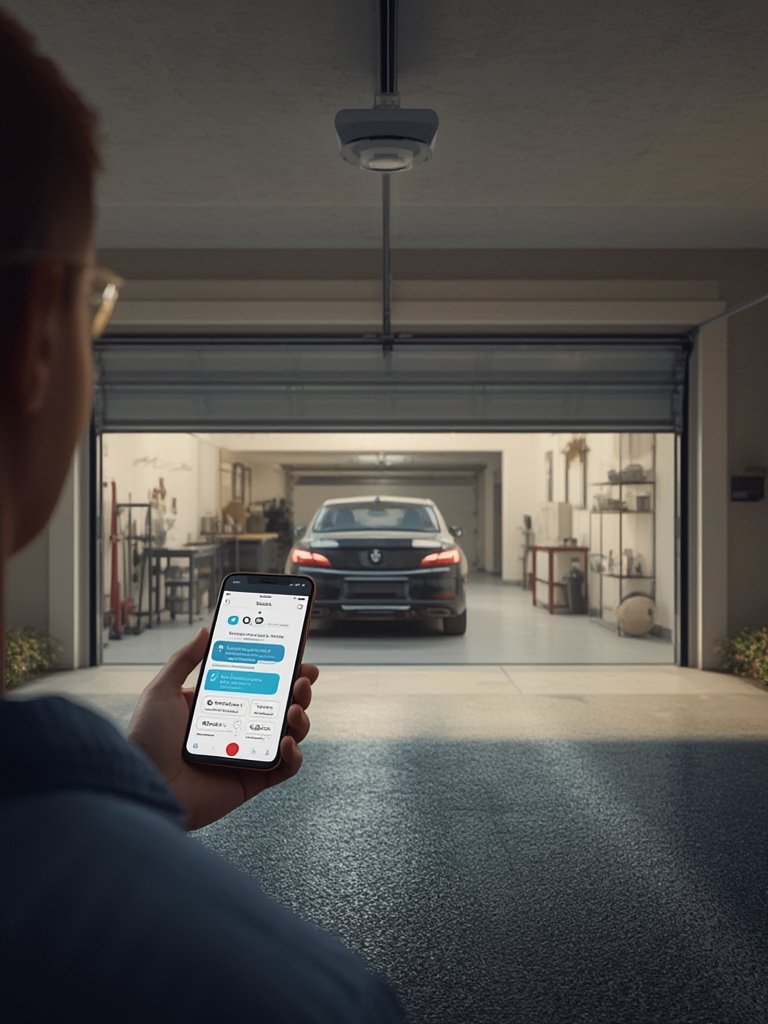
- Test app controls and safety features: Open and close the garage door from your phone. Verify all sensors, safety beams, and manual overrides work. Test alerts and notifications for successful integration.
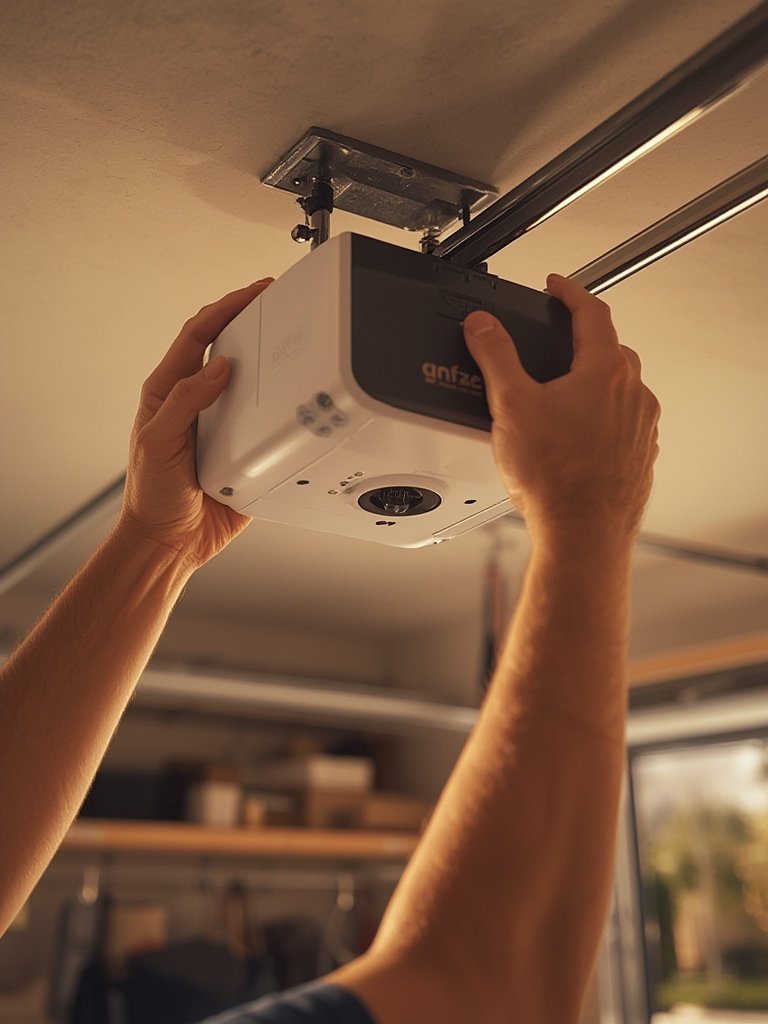
Want to add garage door automation to your routines or connect with Alexa or Google Assistant? Follow our integration instructions here.
Older garage door systems might need adapter modules or manual workarounds to work with new smart controllers. For doors manufactured before 1993, extra sensors are usually required to bring them up to current safety standards. For further insight into older installations, consult our upgrade guide for old openers.
After finishing installation, review your settings and enable remote sharing features for trusted guests or deliveries, if supported. This streamlines daily use and adds utility beyond standard openers.
Advanced Analysis & Common Pitfalls
Despite rapid market growth and positive user sentiment, smart garage door opener installation is rarely flawless out of the box. Here are the most common stumbling blocks, along with an actionable troubleshooting guide:
- Compatibility missteps: Many consumers buy devices only to find out after unboxing that their existing opener is too old, incompatible, or lacks the required wiring terminals.
- Weak Wi-Fi: Nearly half of failed setups are caused by intermittent wireless connections. Don’t start installation until signal reliability is confirmed by your garage unit.
- App or account registration errors: App installation and registration errors are frequently overlooked. Using outdated phones or unsupported OS versions can derail the process before it begins.
- Lack of safety checks: Users sometimes bypass safety sensor setup, leading to dangerous operation. Always verify the full safety system (including obstacle sensors) is active and functional after installation.
- Missed firmware updates: Some owners skip manufacturer app updates or ignore firmware prompts, leading to bugs and connection instability.
- Overlooking regional regulations: Not all smart openers are certified in every state. Always check local laws and your building code if you’re unsure.
The table below compares installation complexity, cost factors, and key pain points across various garage door opener categories:
| Opener Type | Typical Setup Time | Compatibility Issues | Required Tools | Common Setbacks |
|---|---|---|---|---|
| Wi-Fi Smart Add-On (MyQ, Aladdin, Nexx) | 30-60 minutes | May not work with openers pre-1993 | Screwdriver, ladder, smartphone | Wi-Fi signal weak; wiring confusion |
| Full Replacement Smart Opener | 2-4 hours | Professional installation recommended for older doors | Drill, sockets, mounting hardware | Difficult motor wiring; heavy hardware |
| Retrofit Kit for Older Openers | 1-2 hours | Extra sensors required before 1993 | Basic hand tools, possible adapter | Sensor calibration; limited device support |
Prioritize buying from vendors that offer clear compatibility checklists and active technical support. Read our troubleshooting guide for in-depth fixes on specific brands and app configurations.
Security continues to be a hot topic. While most brands are investing heavily in enhanced encryption and automated update protocols (source), documented security breaches remain rare. Still, maintaining current firmware and using strong, unique passwords is vital for minimizing risk. For more information on smart garage vulnerabilities and mitigation, see the in-depth stats in the latest research.
Conclusion
Smart garage door opener installation offers meaningful convenience, added security, and long-term value. However, real-world setups can include technical speedbumps, especially for older garage systems or where Wi-Fi is inconsistent. By preparing with compatibility research, confirming strong signal, and following a practical installation flow, most homeowners can achieve a straightforward setup with minimal headaches. Ready to begin your upgrade? Browse our comprehensive selection guide to get started on your smart garage door opener installation today.
Frequently Asked Questions
How do I know if my garage door opener is compatible with a smart controller?
Look for the manufacture label and the year it was made. Openers built after 1993 usually support add-on smart controllers. Check the device’s compatibility list or reference our detailed compatibility checklist before purchase.
Can I use a smart garage door opener without a strong Wi-Fi signal?
No. Reliable Wi-Fi is essential for remote operation, alerts, and updates. If your signal is weak, use a Wi-Fi extender to boost coverage in your garage before installing.
Are smart garage door openers secure?
Most modern smart openers use strong encryption and frequent firmware updates. Always keep your app and device firmware up to date, and use a unique password for added security. For more details, see the latest market research.
How much does professional smart garage door opener installation cost?
Costs vary. While most DIY kits require little to no added cost beyond the device, full professional installations—including opener replacement—may range from $150 to $500 or more, depending on your garage’s complexity and local labor rates.
Can I integrate my smart garage door opener with Alexa or Google Assistant?
Yes, most popular smart garage openers support integration with Alexa, Google Assistant, and other smart home hubs. Follow manufacturer instructions or our integration guide for setup steps.