

Smart thermostat installation HVAC is one of the fastest, most reliable ways to increase comfort and cut energy bills in any home—if you know what you’re doing. But while the right installation delivers real savings, it’s not always as straightforward as promo materials promise. Here’s the unvarnished, step-by-step playbook for getting your smart thermostat set up for maximum efficiency and minimum headaches.
Key Takeaways
- Proper smart thermostat installation on your HVAC system can save 10–26% on heating and cooling costs—if done right.
- DIY installs are tempting but compatibility checks and wiring can be tricky; botched setups reduce savings and may damage equipment.
- Pairing smart thermostats with other smart devices and regular HVAC maintenance maximizes returns but requires careful planning.
- What Is Smart Thermostat Installation HVAC and Why Should You Care?
- How to Install a Smart Thermostat for HVAC (Step-by-Step Guide)
- Advanced Analysis & Common Pitfalls
- Conclusion
- Frequently Asked Questions
What Is Smart Thermostat Installation HVAC and Why Should You Care?
Smart thermostat installation HVAC means replacing your traditional wall thermostat with a connected device that actively manages your home’s heating and cooling with algorithms, sensors, and learning technology. Brands like Google Nest and Ecobee offer features such as remote access, schedule auto-adjustment, and energy usage insights.
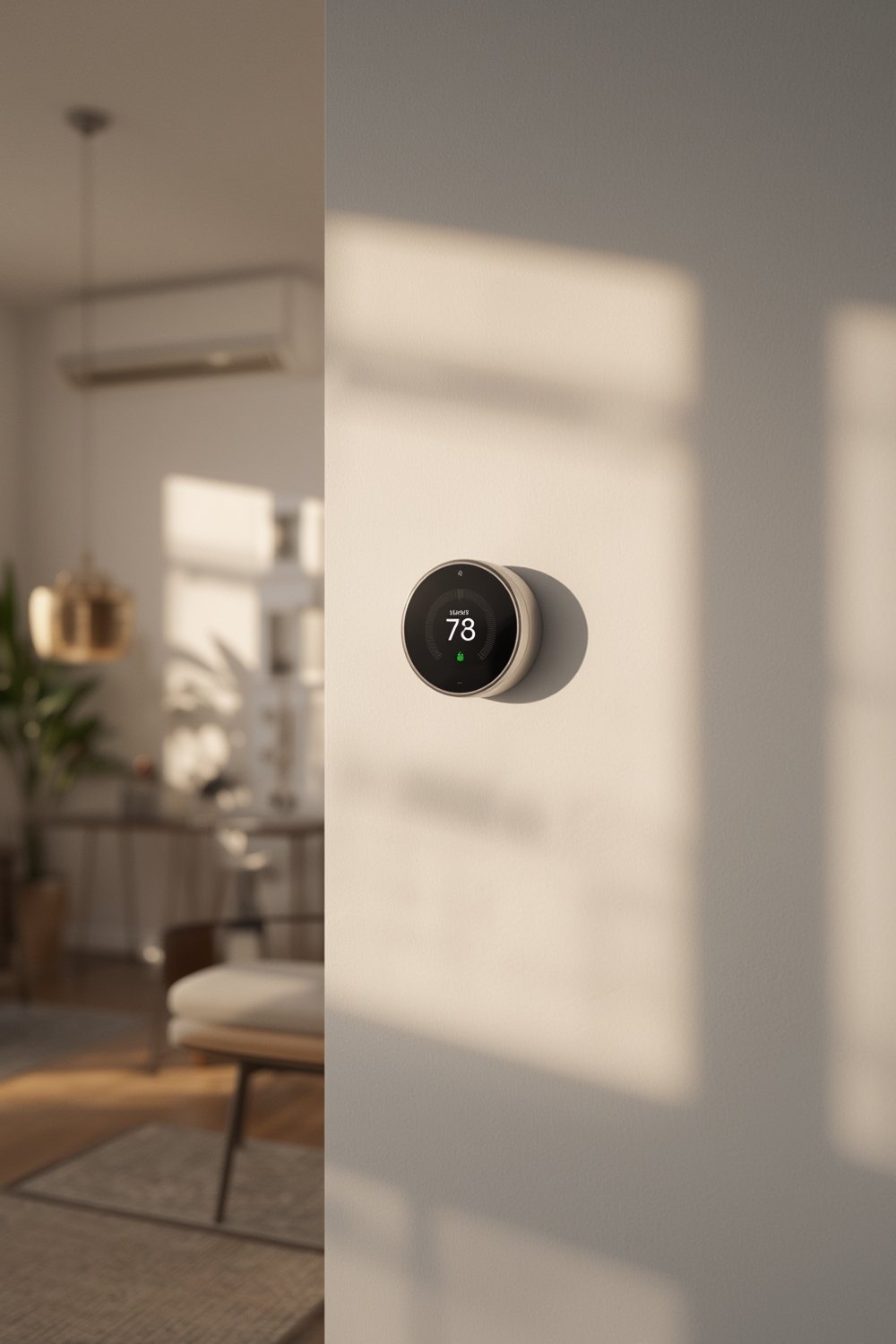
The “why” is simple: significant and automatic energy savings. Studies show that smart thermostats can save 10–15% on cooling and heating and sometimes even more, depending on your home and usage habits (source, source). Beyond lower utility bills, you get improved control, smartphone app integration, and the ability to automate your comfort.
Upgrades to your thermostat technology also help futureproof your house and may boost resale value. When paired with smart garage door openers, indoor-outdoor living design, or wellness-focused remodeling, the benefits compound even further.
How to Install a Smart Thermostat for HVAC (Step-by-Step Guide)
Upgrading your thermostat may seem foolproof—until you run into issues with wiring, compatibility, or setup. Here’s the full process, including where most DIYers go wrong:
- Turn off Power at the Breaker. Kill supply to your HVAC system and thermostat—never trust just the device’s display.
- Remove the Old Thermostat Plate. Gently detach the faceplate and mark/label wires before disconnecting. Most smart thermostats follow standard terminal codes (e.g., R, W, Y, G, C).
- Confirm Compatibility. Even Google Nest and Ecobee aren’t compatible with every HVAC system. Double-check your wiring against the manufacturer’s compatibility checker. For homes with high-voltage or baseboard heaters, consider purpose-built models like Mysa.
- Mount the New Base Plate. Use included screws and ensure it’s level. Pass labeled wires through provided openings.
- Wire According to Labels. Insert wires into matching new terminals. Use included wire stickers if needed for clarity.
- Install Faceplate and Restore Power. Snap on the faceplate and turn breaker power back on.
- Initial Setup and WiFi Connection. Run the device setup via on-screen instructions or app. Connect to your WiFi network and software update server.
- App Integration. Link the thermostat to its companion app, then integrate it with smart home platforms (Alexa, Google Assistant, Apple HomeKit) for full remote control.
- Test Each HVAC Function. Try heat, cool, fan modes, schedule, and geofencing. Troubleshoot any errors before finalizing the install.
- Set Schedules or Enable Auto-Programming. Let learning algorithms start adjusting for maximum efficiency. Consider remote sensors for multi-zone climate control.
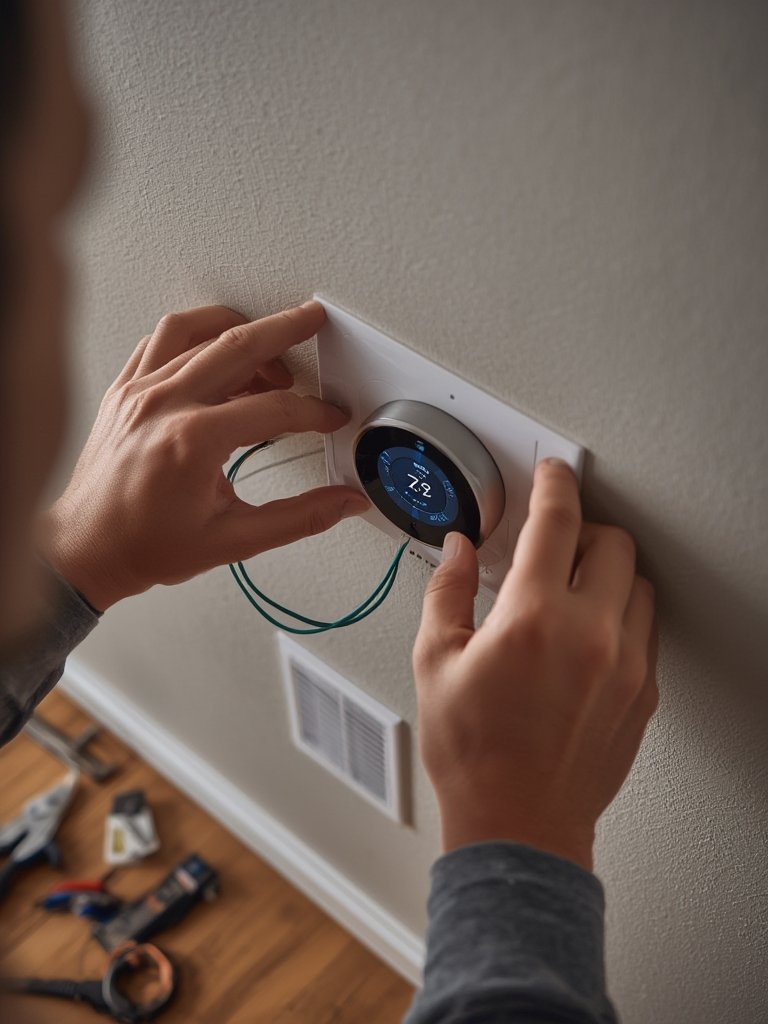
While many installations take 30–60 minutes, older or complex systems (heat pumps, multi-stage, zone control, radiant heating) may need specialized wiring or professional help.
For those planning additional renovations or advanced projects (like converting a porch to a sunroom, maximizing window energy efficiency, or proper home sauna installation), coordinate your HVAC upgrades alongside these efforts to maximize comfort and ROI.
Advanced Analysis & Common Pitfalls
Even the best smart thermostat installation HVAC project can go sideways. Below are the main bear traps—and how to avoid them—based on the latest research and documented user experiences.
DIY vs Professional: What Goes Wrong?
- Incorrect wiring: Mixing up R, Rc, Rh, C, Y, G, W terminals is the #1 installation mistake. This can short your HVAC system or the thermostat itself.
- Missing C-wire: Many older homes lack a dedicated “common” wire. Attempting to install a smart thermostat without a C-wire or compatible power solution often leads to intermittent operation, WiFi dropouts, or total device failure.
- Poor configuration: Rushing through initial setup screens without properly configuring system type (heat pump vs conventional, multi-stage, etc.) results in unreliable performance and disables advanced energy-saving features.
- App connection issues: Weak WiFi signals or router compatibility problems frustrate many new users during the smart thermostat installation HVAC process. Consider a WiFi extender or upgraded router if connectivity is inconsistent at the thermostat’s location.
Compatibility & Equipment Issues
- Some smart thermostats aren’t compatible with proprietary systems (like certain zoned HVAC setups or high-voltage heaters).
- Blinking, error codes, or failure to activate a furnace or air conditioner are common when system compatibility is overlooked.
- Accessory equipment (humidifiers, dehumidifiers, UV lights) may require special thermostat models or wiring configurations.
Under-Discussed Issues in Competing Guides
- True multi-zone control: Basic smart thermostats only manage one zone; full multi-zone functionality needs specific equipment and configuration.
- Remote sensor placement: Poor sensor location can lead to uneven heating/cooling, despite manufacturer claims.
- Integration headaches: Not all smart thermostats play nice with every voice assistant or smart platform out-of-box—always check integration support before buying.
Smart Thermostat Brands: Nest vs Ecobee Comparison
| Feature | Google Nest Learning Thermostat | Ecobee Smart Thermostat Premium |
|---|---|---|
| Learning/Scheduling | Auto-schedules based on user habits | Auto-schedules, multi-room support via sensors |
| Remote Sensors | Limited | Included for multi-zone comfort |
| Energy Monitoring | Energy reports, Energy Shift (with paid subscription) | Detailed reports, always available |
| Voice Integration | Google Home and some platforms | Alexa built-in, plus all major platforms |
| Estimated Annual Savings | 10-12% heating, 15% cooling (source) | Up to 26% heating/cooling (source) |
| Design | Sleek, minimalist | Functional, touch screen |
| Price Range (estimate 2024) | $180-250 (plus install) | $220-270 (plus install) |
Neither option is 100% plug-and-play for every home. Confirm system type, wiring, and accessory requirements before purchase. Ecobee excels at large homes or those needing multi-room control. Nest is highly automated, ideal for smaller homes or Google-centric ecosystems.
Integration Success and Struggles With Other Smart Devices
- Integration with garage door openers, lights, and security can yield robust automation—like adjusting HVAC when you open the garage.
- Not every device integrates perfectly; plan for possible troubleshooting. Mixed-brand smart homes can stumble when connecting devices through different apps or standards (example).
For best results, match brands and protocols across smart home upgrades. For deeper ecosystem integration, platforms like Ecobee’s built-in Alexa or Nest’s tight Google Home compatibility smooth out automations.
Cost of Smart Thermostat Installation HVAC (2024)
- Device only: Expect $100–$300 for most models (more for advanced sensors).
- Professional install: $120–$250 as a standalone service, more if complex wiring or C-wire installation is needed.
- Total project cost: Typical range is $250–$600+ with device, installation, and possible adapters.
- Ongoing savings: Average $50–$180/yr in utilities, plus possible rebates from your energy provider (details).
Costs are quickly recouped, but only if your device works as intended and all features are enabled.
When to Hire a Pro for Smart Thermostat Installation HVAC
- More than four wires or unfamiliar terminal codes.
- Heat pumps, multi-stage, radiant, or zoned HVAC systems.
- No C-wire or high-voltage system (like baseboard heaters).
- No previous DIY electrical experience.
Many localities also require permits or licensed electricians for thermostat wiring or system upgrades—check local codes. Always factor in these requirements if planning windows, water heater installations, or other major HVAC work at the same time.
Conclusion
A well-done smart thermostat installation HVAC project saves energy, increases comfort, and unlocks a smarter, easier-to-manage home. But compatibility checks, wiring details, and the right device selection are crucial. If you’re ready to cut bills and upgrade your control, read the product manual twice and photograph your old thermostat wiring. For advanced systems or any doubts, don’t risk it—hire a pro for installation.
Need more help with home upgrades? Explore our guides on smart garage door openers, window efficiency, or tankless water heater installs to maximize overall comfort and savings!
Frequently Asked Questions
Does a smart thermostat work with every HVAC system?
No, not every smart thermostat is compatible with all systems. Older setups, high-voltage heaters, or proprietary HVAC equipment can require specific models or adapters. Always check the compatibility list for your thermostat before purchase.
Is DIY installation of a smart thermostat safe?
DIY installation is possible for many homes, but you must be comfortable with turning off power and identifying wires correctly. If you aren’t sure, hire a pro. Mistakes can damage your thermostat, your HVAC system, or even cause electrical hazards.
How much can I expect to save each year?
Most users save $50–$180 annually, with some reporting up to 10–26% off heating and cooling bills. Actual savings vary depending on your home, HVAC system, climate, and how well you use features like scheduling or geofencing.
Can I control my smart thermostat from my phone?
Yes. All major brands (Nest, Ecobee, Honeywell) offer companion apps for remote control and scheduling. You can adjust temperatures, schedules, and even review usage data from anywhere with WiFi or cellular signal.
Are there rebates for installing a smart thermostat?
Many energy utilities offer rebates for installing qualified smart thermostats. Check your local provider’s website or ask your HVAC installer for details about available incentives.