

Whole home smart integration system adoption is booming in 2024—yet, setting up a truly unified connected home is far from effortless. Despite marketing promises, users hit snags with compatibility, costs, security, and future-proofing. If you’re ready to automate your entire house—and not just add a few smart plugs—this guide delivers hard numbers, major pitfalls, and actionable steps to take you from concept to seamless automation.
Key Takeaways
- Smart home adoption is rapidly rising, but 42–52% of would-be users cite cost and setup headaches as their main obstacles.
- Robust security and choosing a flexible integration hub are vital to prevent privacy breaches and device incompatibility over time.
- Strategic planning and a phased approach significantly reduce wasted spending and ongoing integration struggles.
- The Core Concept: What Is a Whole Home Smart Integration System?
- Step-by-Step Guide: How to Build a Whole Home Smart Integration System
- Advanced Analysis & Common Pitfalls
- Conclusion
- FAQ
The Core Concept: What Is a Whole Home Smart Integration System?
A whole home smart integration system is more than just adding a few smart bulbs or a WiFi thermostat. It’s the intentional, centralized control of all major devices and functions in your house—think lighting, climate, security, media, and appliances—through a single hub or software platform. The goal is full automation, unified voice/app control, and seamless routines.
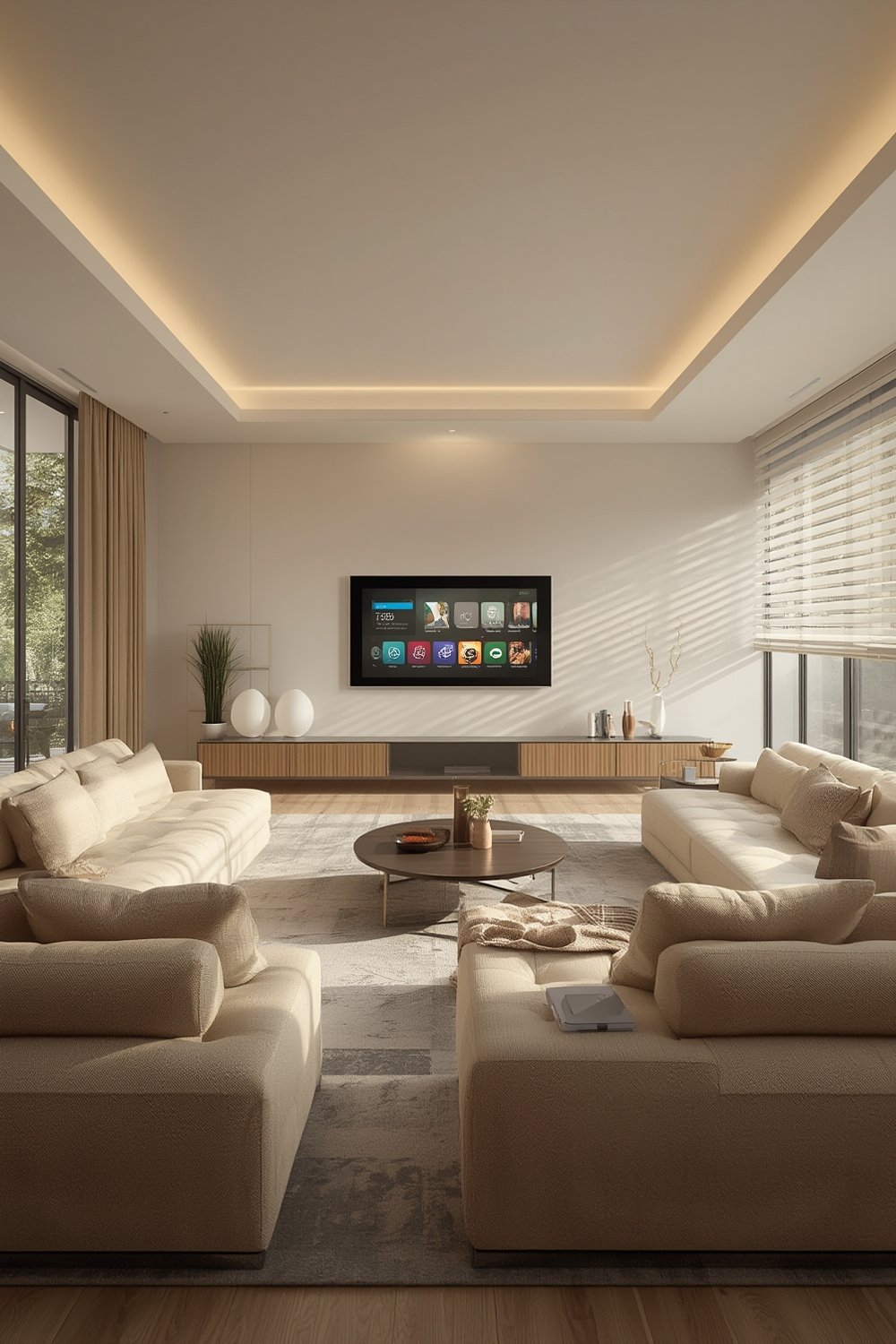
This connected ecosystem is designed for long-term flexibility and energy savings, but requires careful planning. Global statistics underline this trend: as of 2024, over 69.91 million U.S. households use smart devices—a number projected to hit 103 million by 2028 (source). The global market is worth $154.4 billion and growing fast (source). Clearly, the appetite for integrated automation is surging—but so are complaints about cost, setup complexity, and privacy risks.
Understanding the full landscape—including what’s possible, what breaks, and what most articles overlook—is the key difference between a home that “just works” and one that’s a constant headache.
Step-by-Step Guide: How to Build a Whole Home Smart Integration System
Ready to take your first steps toward a truly unified smart home? Avoid costly mistakes by following these proven steps:
- Define Your Scope and Prioritize Functions
– List every device and system you want to automate: lights, locks, thermostats, security, garage door, media, appliances, and more.
– Prioritize by necessity, energy savings, and impact on daily routine.
– Example: Pair smart garage door automation with security systems for maximum peace of mind. - Choose the Right central hub or platform
– Research platforms supporting the widest device compatibility and protocols.
– Compare industry leaders like SmartThings, Home Assistant, Google Home, and Apple HomeKit for compatibility and ease of installation.
– Consider open-source options for ultimate flexibility or stick to a robust major brand for support. - Map Out Your Device Ecosystem
– Check every candidate device for integration protocol support (Zigbee, Z-Wave, WiFi, Matter, Thread, Bluetooth).
– Opt for devices with Matter certification or broad multi-protocol compatibility for future-proofing. - Plan Your Network Infrastructure
– Upgrade your router and secure your WiFi.
– Isolate smart devices on a separate VLAN or guest network to reduce hacking risk.
– Invest in a reliable mesh network if coverage is a concern. - Decide: DIY or Professional Install?
– DIY lowers costs but increases risk of error and frustration.
– Complex areas (in-wall switches, security, high-voltage work) may require vetted professionals.
– Review average global smart home spend: $365.60 worldwide, $479.70 per U.S. household (source). - Design Routines and Automation Logic
– Use built-in or custom scripting to trigger events (e.g. “if garage opens, turn on entryway lights and disarm security”).
– Test your automations to prevent unexpected behaviors, especially at night or when away from home.
– For inspiration, see how to use smart garage door automation for real-time alerts and remote control. - Review Security and Privacy Settings
– Use 2FA, strong passwords, and limit remote API access.
– Audit devices regularly: disable unused features (like microphones or cameras when not in use).
– Stay on top of firmware updates for all devices.
– See our battery backup garage door opener guide for combining convenience and safety. - Phase Upgrades and Monitor for Problems
– Roll out changes room by room.
– Solicit family feedback and monitor for integration failures, lag, or data privacy concerns.
– Adjust automations and security settings as your needs evolve.
– Link to biophilic design living room for wellness-focused integrations.
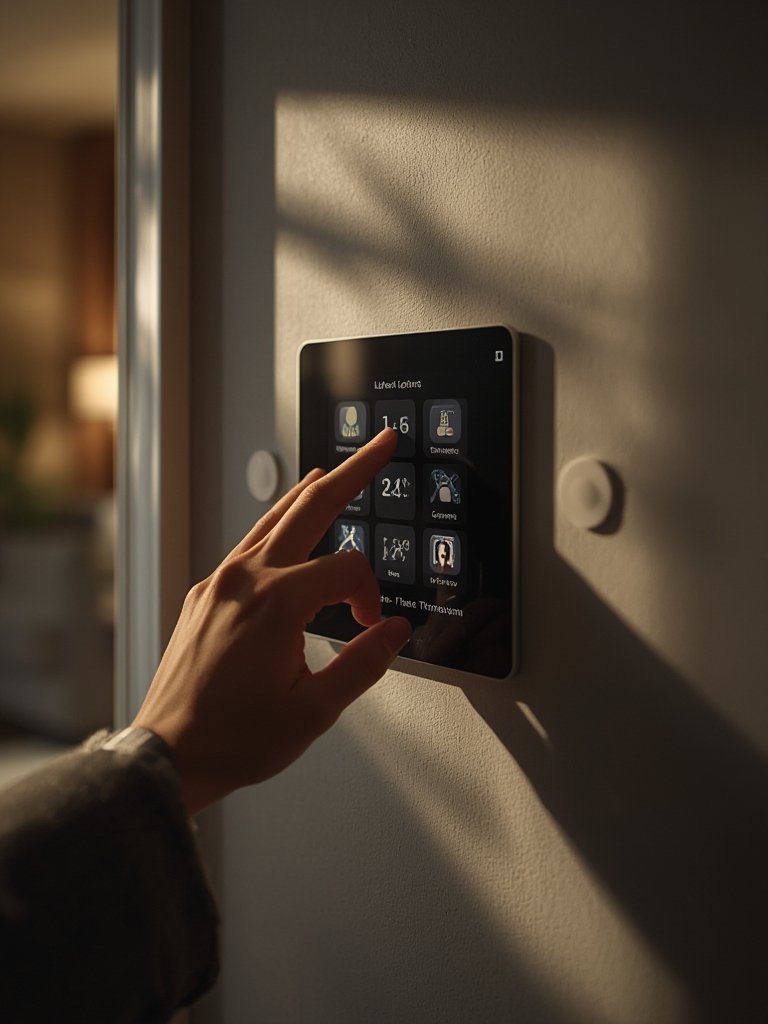
Don’t forget to automate for efficiency too—integrating energy use via tankless water heating, smart thermostats, and low-E window routines links comfort with major cost savings. And always revisit your integration setup as both your needs and the market evolve.
Advanced Analysis & Common Pitfalls
Even with the best intentions, most whole home smart integration system projects run into common problems. Here’s what typically goes wrong—and what you can do about it.
- Upfront and Ongoing Costs: 42–52% of users cite costs as a top barrier. Average global spend: ~$366/year, in the U.S.: nearly $480/year. Hardware, hub, and network upgrade costs can spiral if you don’t budget up front.
- Compatibility Failures: Devices may not “talk” to each other if you mix brands or skip protocol research. Early adopters often end up with “islands” of smart devices that can’t be unified without a compatible hub or third-party custom integrations.
- Security Vulnerabilities: 46% fear hacking; 33% worry about device eavesdropping. U.S. homes see 40.8% high risk from even one poorly configured device. Inadequate network segmentation and lack of firmware updates expose users to privacy breaches.
- Complex Setup & Learning Curve: Setup frustrations are a major drop-off point. General lack of technical support, especially for DIYers, can leave automations half-finished or unreliable.
- Vendor Lock-In or Planned Obsolescence: Choosing a platform that doesn’t support open protocols (Matter, Zigbee, Z-Wave) risks obsolescence or expensive replacements if a brand stops updates.
- Scale and Flexibility Issues: Without planning for future additions (outdoor expansion, EV chargers, wellness sensors), your system may require costly retrofits or full replacements down the line.
| Platform | Compatibility (Protocols/Devices) | Ease of Installation | 3rd-Party Support | Ideal User |
|---|---|---|---|---|
| SmartThings | Extensive (Z-Wave, Zigbee, Matter, WiFi) | Easy to moderate | High – many brands supported | Mainstream, brand-conscious |
| Home Assistant | Maximal (supports most protocols + DIY integrations) | Advanced – requires tech skills | Very high – huge community | Tech-savvy, custom needs |
| Apple HomeKit | Limited (Apple-certified, Zigbee, Matter emerging) | Easy – Apple ecosystem first | Moderate (select partners) | Apple users, privacy-focused |
| Google Home | Broad (WiFi, Matter, Thread) | Easy to moderate | High – growing list | Android, Google ecosystem |
Even once set up, maintaining your whole home smart integration system requires vigilance: update firmware, check integrations, and be wary of service shutdowns. Consult guides for related projects, such as casement window replacements that consider energy savings or home EV charger installation to ensure all smart upgrades work in harmony.

Conclusion
Whole home smart integration systems will only get more capable—but also more complex. With nearly 70 million U.S. homes already using smart devices, the integration challenge is very real. The best results come from strategic scope planning, thoughtful hub selection, robust network security, and ongoing system reviews. Never overlook the complex trade-offs: upfront cost, privacy, and future compatibility. For added control, explore energy-focused upgrades, robust physical security, and nature-inspired home design that unify technology and wellness. Start planning your whole home smart integration system today, and turn your house into a secure, efficient, and truly smart home—one phase at a time.
Ready to future-proof your home? Start scoping your whole home smart integration system now—or consult one of our expert guides on related upgrades to maximize connectivity and comfort.
FAQ
How much does a whole home smart integration system cost?
Costs vary widely by approach. DIY systems using major platforms may start around $500–$1,500 for core components and devices, while fully professional installations (lighting, climate, security) can run $5,000–$15,000 or more. Remember to budget for routine upgrades and network security.
Which smart home platform is best for long-term flexibility?
Look for platforms supporting multiple open protocols (Matter, Zigbee, Z-Wave) and with broad device compatibility. Home Assistant is the most flexible/customizable, SmartThings is broadly compatible, while Apple HomeKit and Google Home are easiest for ecosystem loyalists but may be limited for advanced automations.
How do I keep my smart home secure?
Segment your network for smart devices, use strong unique passwords and 2FA, keep firmware updated, and avoid using default device settings. Disable unnecessary features (like always-on microphones or cameras) when not in use.
Is it better to do everything at once or phase in upgrades?
A phased approach is almost always better: it lets you learn as you go, adjust for compatibility issues, and avoid redundant purchases. Room-by-room or function-by-function upgrades minimize disruption and wasted spend.
Can smart home systems save on energy costs?
Yes, especially when integrated with smart thermostats, lighting controls, and efficient appliances. Coordinated automation can reduce utility bills—see our energy efficiency window guide and HVAC thermostat installation tips for more.